RFID vs barcode asset tracking

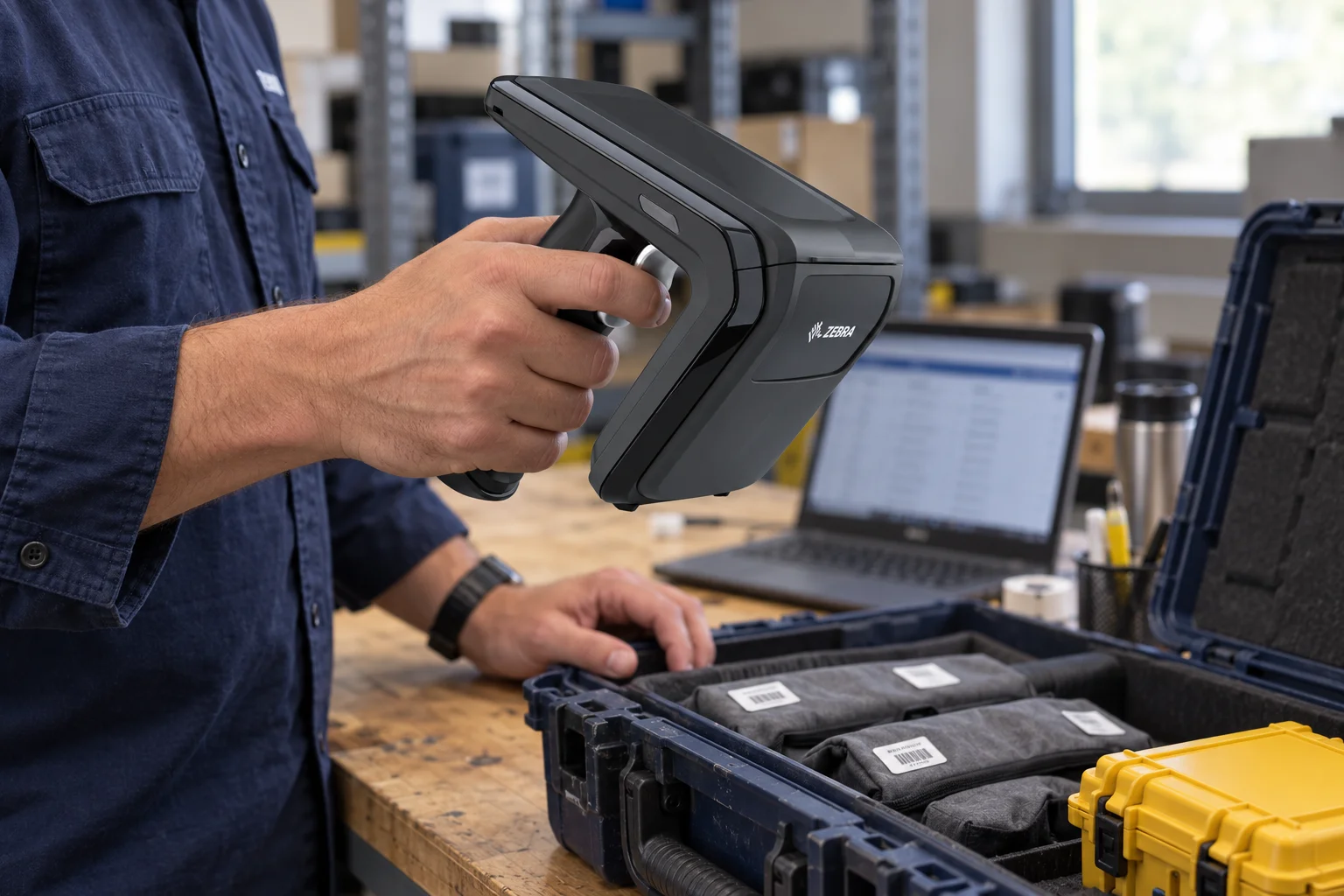
You already have a spreadsheet, hire system or asset-management application. Your team types asset numbers when equipment goes out and comes back. Scanning could remove some of that typing, but choosing between barcode and RFID means answering two questions: can you reliably scan the physical assets, and can the data fit the way your business works?
Barcode often suits deliberate, individual handovers. Passive UHF RFID deserves a closer look when you need to capture groups of assets repeatedly. Either can help with data entry. The larger gains depend on what your software does after a scan.
Start with issuing and returning equipment
Imagine a workshop issuing a kit to a technician. Staff need to identify the items, record who is taking them and confirm the issue. On return, they need to know what came back, what is outstanding and what needs checking before it is available again.
With barcode or QR labels, staff usually present each item to a suitable scanner or camera. QR is a type of barcode. An individual scan can be a good fit when the items are accessible and the handover already involves checking each one.
With suitable passive UHF RFID tags and a compatible reader, several items can be identified in one reading session without presenting every label to a camera. This is the RFID approach discussed here. Other RFID technologies have different uses.
In this workshop example, reading the kit is only part of the job. The software still needs to associate those assets with the technician or job and confirm the transaction. A list of tag numbers alone does not complete the issue.
Use scanning with the software you already have
You may be able to start without a custom application integration. Compatible barcode scanners and RFID setups can use keyboard emulation: they enter the scanned identifier into a field as though someone had typed it.
A spreadsheet is a straightforward illustration. Select the asset-number cell, scan an item and have the reader enter its identifier. Depending on the setup, it can then send Enter or Tab to advance. The same principle can work with an existing application's input field if it accepts the supplied data and keystrokes. Zebra documents keystroke output and these formatting options, including RFID input on supported hardware.
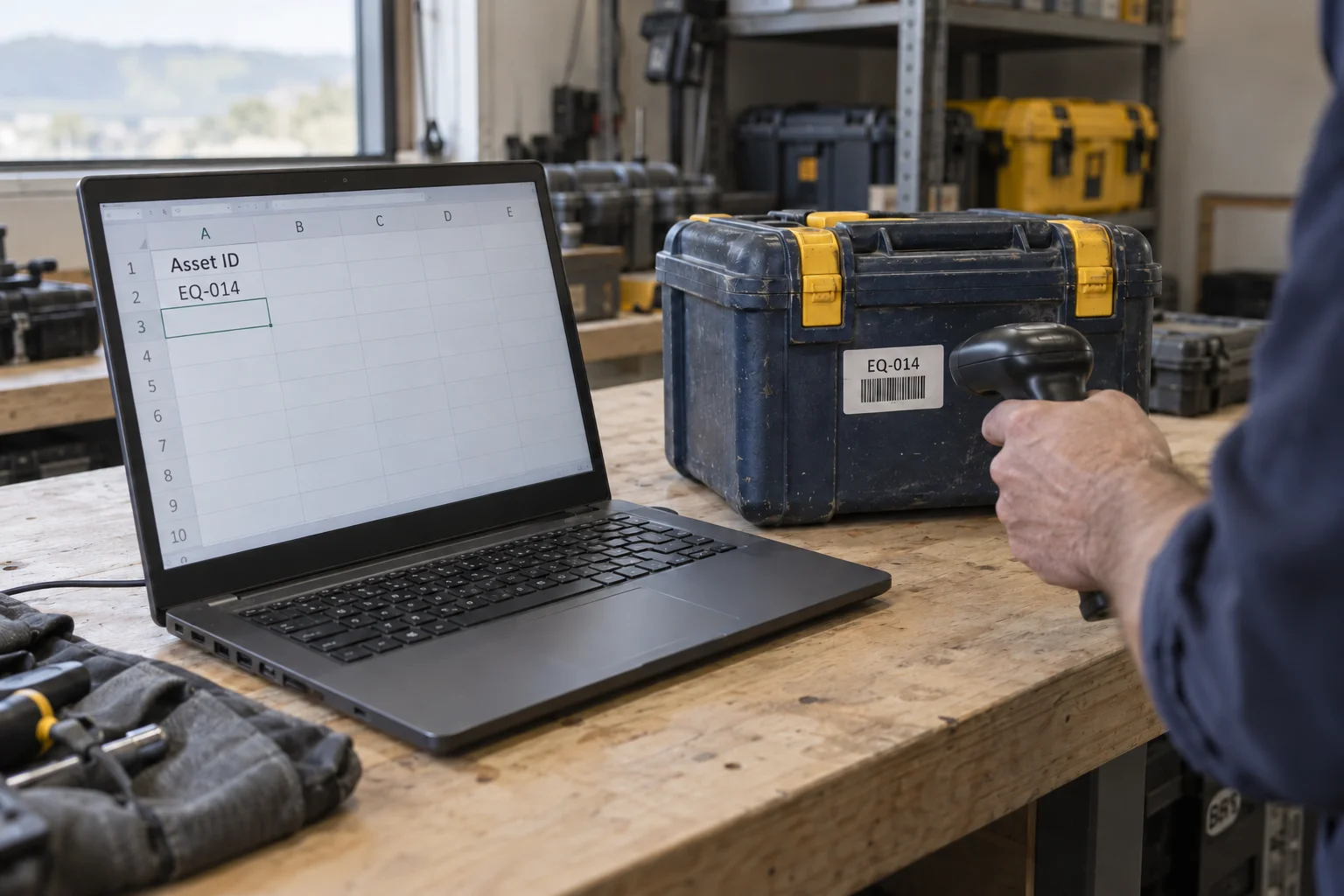
Keyboard emulation can enter an asset identifier into an existing spreadsheet or input field.
This can be quicker than typing an identifier manually and can remove some opportunities for transcription errors. It is a useful improvement in its own right. Reader configuration and testing are still required, but you may not need to change the receiving application's code.
For an ordinary form that expects one asset at a time, the workflow remains sequential. Staff select the right field, scan, wait for the response and continue. Enter or Tab can automate a small step; the application's screens and response time still determine how quickly the task moves.
Understand the limits of keyboard emulation
Two details matter immediately. The correct field must have focus, and the identifier must match what the application expects. If the RFID tag contains a different number from the asset number in your system, typing that tag number into a field will not connect the records. You need an agreed identifier scheme, suitable formatting or a lookup that maps the tag to the asset.
Keyboard output is not inherently limited to a single RFID tag. Some setups can send multiple identifiers. The practical limit is whether the receiving application can make sense of them. Sending a stream of numbers into a form does not automatically create the correct issue, return or stocktake records.
If your main problem is slow typing during occasional handovers, keyboard emulation may be enough. If the remaining work is matching items, managing exceptions and moving records between systems, that is the next problem to solve.
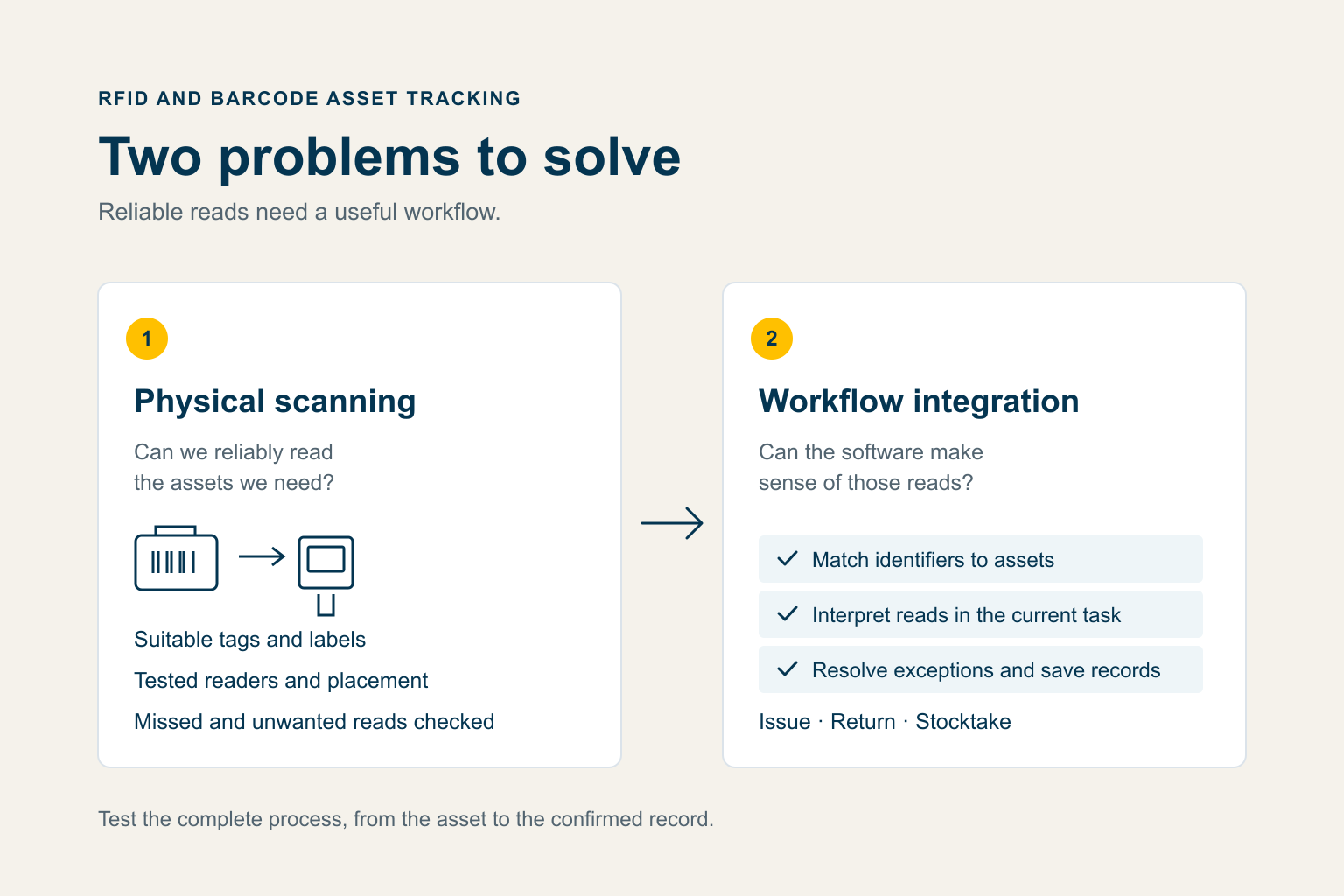
Test the capture method and the software workflow together.
Test the physical scanning on your actual assets
A reader demonstration shows that tags or labels can be captured. Test the same process on your assets, in the way staff actually handle them.
For barcode, check whether the label stays visible and readable after normal wear, cleaning and handling. Include items inside cases and labels that are awkward to present to the scanner.
For RFID, tag selection and placement matter. Metal can require tags designed for mounting on metal; liquids can reduce performance. GS1 explains these material effects. Orientation and reader geometry also affect the read zone. Test the normal packing arrangements, including the difficult ones.
Check for both missed items and unwanted reads from neighbouring assets. No optical line of sight does not mean RFID reads through everything, and a higher read count does not necessarily mean you identified the correct group.
A visible barcode can remain useful for deliberate lookup or an exception check alongside RFID. If you use both, verify that both identifiers resolve to the same asset record. Choose the combination that suits the work; GS1's application guidance does not treat RFID as a universal barcode replacement.
Connect the scan to the business transaction
At Calo, we look at the physical capture and the software workflow together. During issue and return, the useful questions are which assets belong to this transaction, which person or order they relate to, and what staff should do when an item is missing or unexpected.
Our published graduation-regalia case study describes an ordering system and an RFID system that originally relied on CSV handoffs. Orders arriving after the export needed manual entry. The connected workflow linked scanned gowns, hats and hoods to orders, then used return scans to show returned and outstanding items.
That example shows the purpose of integration. The scanned identifiers acquire meaning within the order and return process. It is an example of connected operations rather than a measured comparison of barcode and RFID performance.
Ledger is one option for RFID issue and return workflows. For tools and shared equipment, the starting point is the process your team needs and the systems that must hold the records. The right approach may use existing application features, a separate scanning application or a direct integration.
Returning an identifier is also different from confirming that an item is ready to use. Condition checks, cleaning and servicing still need their place in the workflow. Similarly, a record of where something was scanned is an observation at that time, not continuous location.
Compare the whole process and its cost
Run a small trial with a known list of assets. Compare the current process with the proposed scanning process, including the time spent checking, correcting and saving records. Agree what counts as a successful result before expanding the setup.
Include labels or tags, suitable readers, software, registration and identifier mapping, training, support and staff time. RFID may also need encoding, antenna installation or reader tuning. A fixed reading point can add mounting, power and network requirements. Compare initial setup with the recurring work and costs over a useful operating period.
A spreadsheet followed by an import can be a sensible approach for occasional stocktakes when delayed results are acceptable. Check who prepares the file, verifies the import and resolves unmatched records. If those steps consume the time saved by scanning, the overall process still needs work.
Stocktakes show why rapid reads need suitable software
During a stocktake, you want to keep scanning without repeatedly selecting fields or navigating an asset form. This is where RFID's group-reading capability can offer a stronger advantage, especially when presenting each item individually is the bottleneck. GS1's inventory guidance highlights both the number of items and the ability to see each barcode as useful considerations.
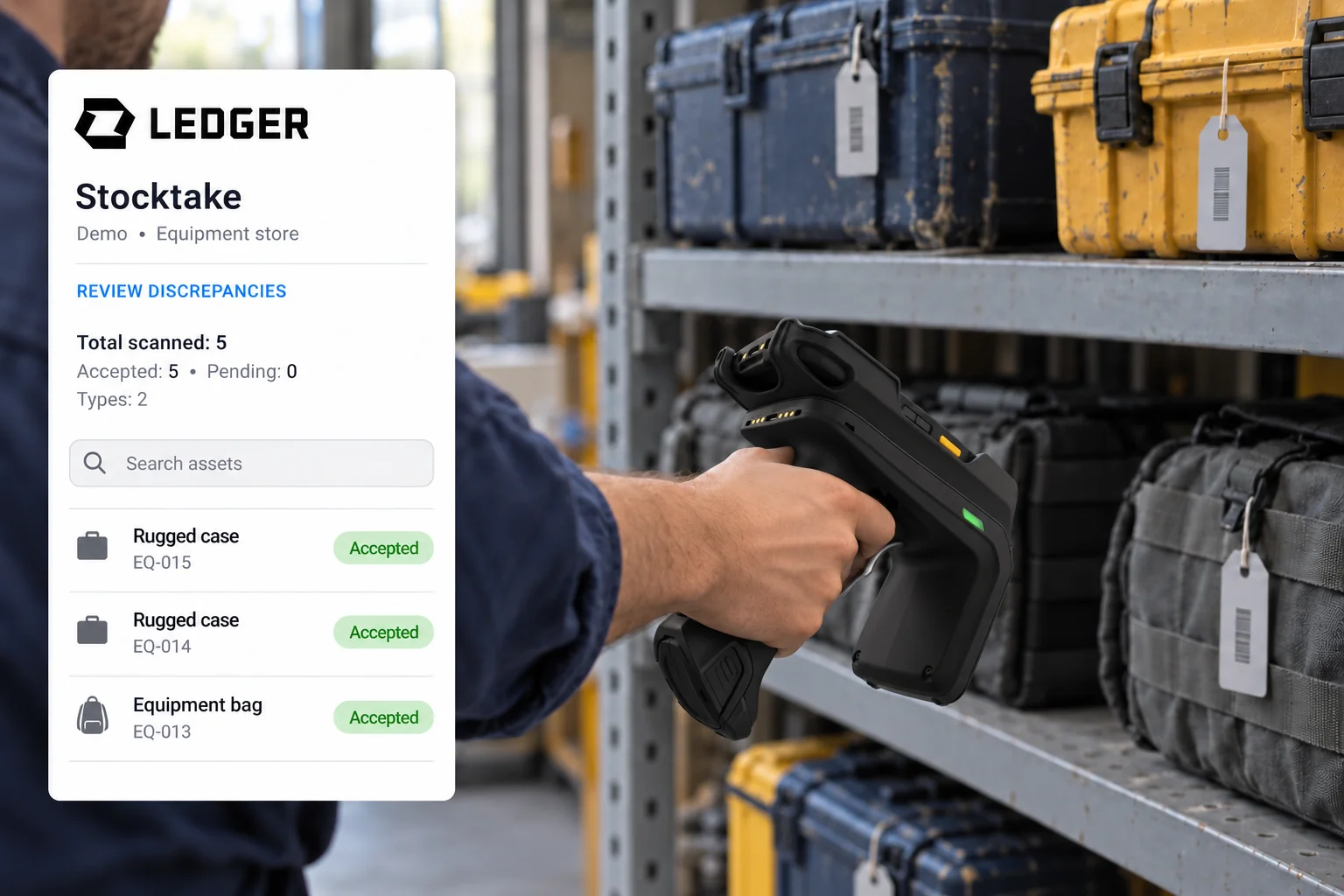
Rapid reads become useful when software matches them to asset records. Ledger demo shown with example data.
The software then has to match and make sense of that rapid data. A useful stocktake workflow should:
- Match scanned identifiers to known assets.
- Count each asset once even if the reader detects its tag repeatedly.
- Compare the observed assets with the register expected for the area being checked.
- Show progress and flag unknown identifiers or unexpected assets.
- Keep unobserved items available for investigation before a person confirms the result.
An unread item is not automatically a lost item. It may need another pass, a different orientation or a manual check. The operator needs a clear way to handle that exception.
Direct integration becomes more valuable when staff need those answers while they scan. With suitable workflow software, a direct connection can process the incoming reads immediately, rather than leaving the matching and interpretation until an export and import are complete. Barcode can also benefit from software designed for rapid entry. RFID adds the ability to capture a group, subject to the physical tests.
Judge the result by how quickly your team reaches a checked stocktake, including exceptions and reconciliation. A fast reader is useful when the rest of the process can keep up.
To work through which approach could fit your assets and existing systems, start Calo's asset-tracking assessment. No contact details are needed. You can also compare the methods in our asset-tracking guide, or talk to Calo about the workflow you want to improve.
Related Posts
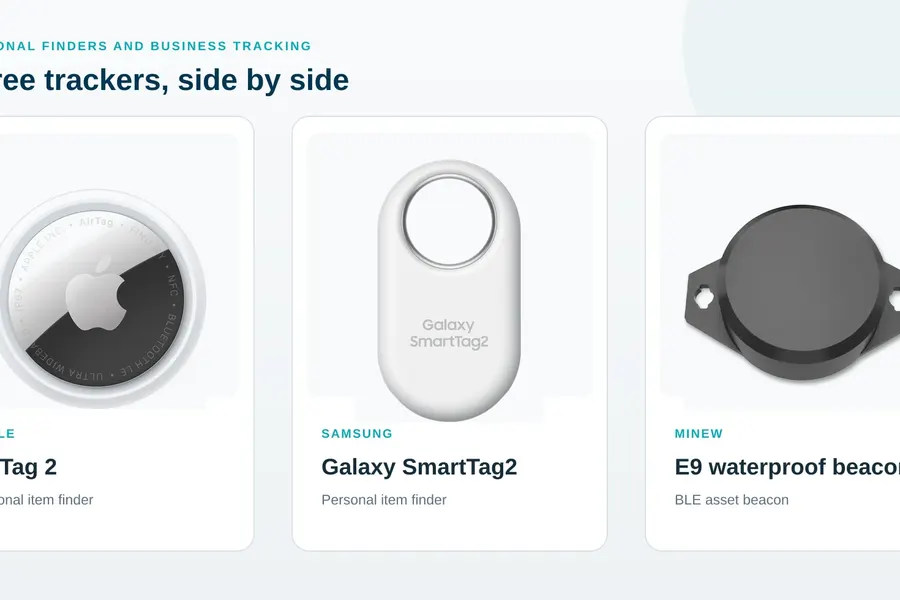
AirTag vs SmartTag vs OnSight: the right tracker for the job
